Mileage Report
PDFA structured trip log with dates, locations, business purpose, distance, methodology options, and a QR Report Data Check.
One Free generation or unlimited with ProFrom daily records to accountant handoff
RoadStance turns locally stored trip and receipt records into PDF and CSV outputs you can inspect, archive, and share with a qualified tax professional.
Six output workflows
A structured trip log with dates, locations, business purpose, distance, methodology options, and a QR Report Data Check.
One Free generation or unlimited with ProTrip data in a spreadsheet-friendly format for review, filtering, and import into an accounting workflow.
One Free generation or unlimited with ProRecorded receipt fields for the selected period, including vendor, amount, category, business status, and notes.
One Free generation or unlimited with ProA concise overview of vehicle use, business distance, personal distance, odometer context, and business-use percentage.
ProPackages the Accountant Summary, detailed Mileage Report, and Receipt Register into one accountant handoff.
ProAdds entry method, confirmation timing, evidence level, compliance summary, and detailed trip records for organized review.
ProSee the table format
The sample uses fictional names, street addresses, dates, and distances. It shows the concise business-trip table, column legend, and a functional sample QR, without methodology, reconciliation, or electronic-logbook appendices.
QR Report Data Check
RoadStance PDF reports include a QR Report Data Check derived from selected report values. Scan it with any phone camera to open the browser check, then compare the displayed values with the PDF.
The schema-v1 fingerprint covers the schema version, trip count, total distance, reporting period, generation timestamp, and optional business name, taxpayer name, and business-use ratio when present.
Confirmation percentage, post-closing edit count, and the synthetic-sample marker may be displayed as context but are not covered by the schema-v1 fingerprint. QR contents are readable metadata; the checksum is recomputed in the browser, while the website may still receive ordinary connection metadata such as an IP address and timestamp.
A PASS confirms QR payload self-consistency. It does not authenticate who created the QR, prove RoadStance issued the report, inspect the complete PDF, or certify that every trip, distance, classification, business purpose, deduction, or tax result is accurate or accepted by a tax authority.
Read the receipt-evidence guide for another way to strengthen and review mileage records.
Report lifecycle
RoadStance checks for unresolved trip, receipt, overlap, and odometer issues before generation.
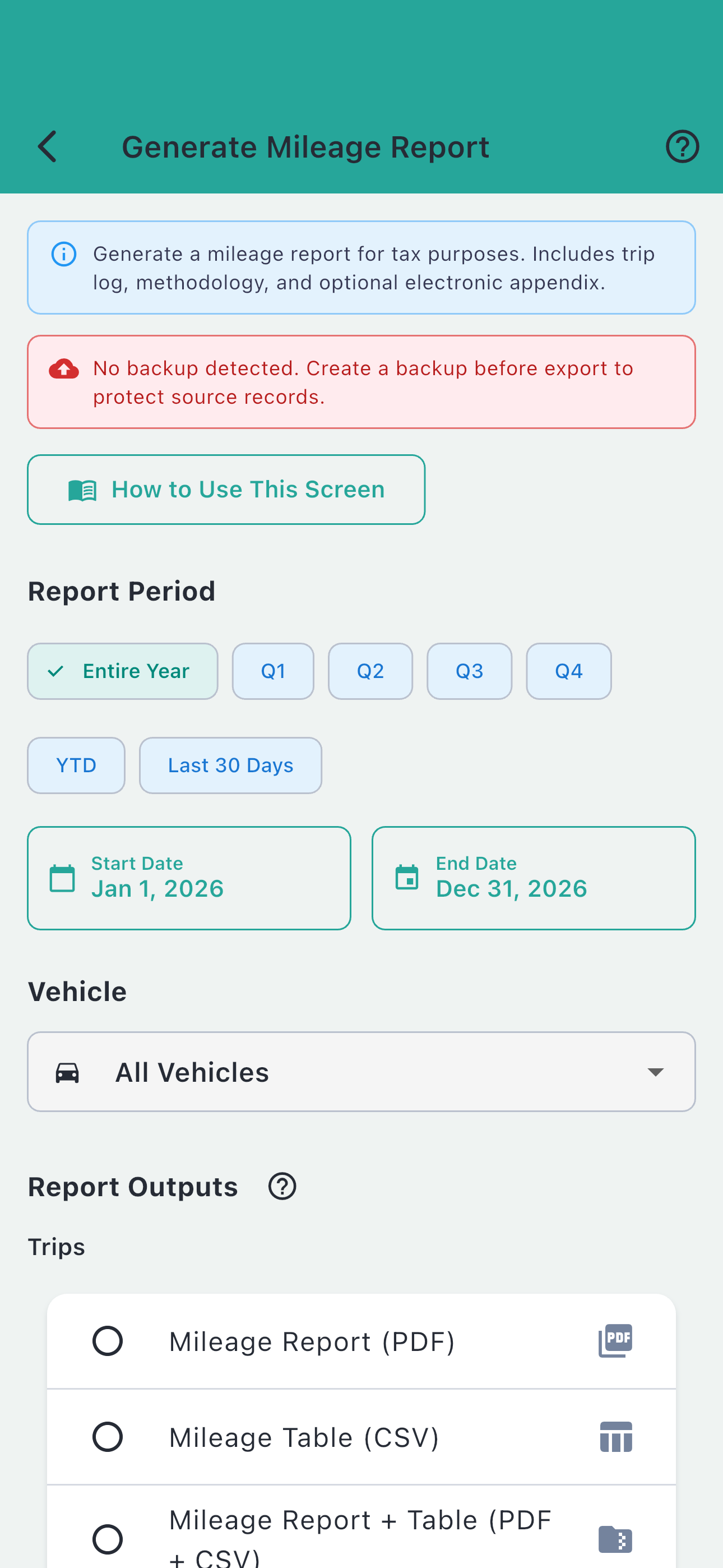
Select a period of up to 365 days and choose PDF, CSV, both, and an optional Receipt Register.
Generated files are saved in Report History and can be re-shared without generating them again.
Free plan
The Free plan includes one completed Mileage Report generation covering the latest 30 calendar dates, including today. Selecting PDF + CSV or adding the Receipt Register may create multiple files while using that allowance once. Pro removes the generation limit and unlocks the professional report families.